
 Derek Walsh
 I generated over 2,000 images in 2026 across Midjourney, DALL-E 3, Stable Diffusion 3, and Krea. Most for client work, some for personal projects, all carefully evaluated. Here’s the honest comparison — not a feature-list rewrite, but a ‘which one I’d give my dad’ kind of recommendation.
Skip ahead if you want: Midjourney for artistic, DALL-E 3 for accurate, Stable Diffusion for control, Krea for speed. Now here’s why.
How I Tested These Image Generators
Same 10 prompts every week, across all four tools. Categories: photorealistic, illustrated, technical diagrams, branded marketing, and ‘try to make it fail’ edge cases. I scored prompt adherence, style consistency, image-edit usability, and speed.
The Real-World Verdict
Midjourney v7 ($10–60/month) still produces the most beautiful images. Its strength is style consistency — not literal prompt accuracy. Best for art, marketing imagery, and anything where ‘vibe’ matters more than exactness.
DALL-E 3 (via ChatGPT Plus or Bing free) is the most accurate at following complex prompts. If you write ‘red Honda Civic with a roof rack parked at night under a streetlamp in Tokyo’, DALL-E 3 gets it right. Midjourney gives you a moody car scene that’s not quite right.
Stable Diffusion 3 (free, self-host or via services) wins for control. ControlNet, custom LoRAs, inpainting — if you need to lock in poses, faces, or compositions, SD3 is unbeaten. Steepest learning curve though.
Krea ($10/month) is the fastest. Real-time generation as you type the prompt. Great for ideation, not great for final output quality.
Graphics Tablets That Help Refine AI Output
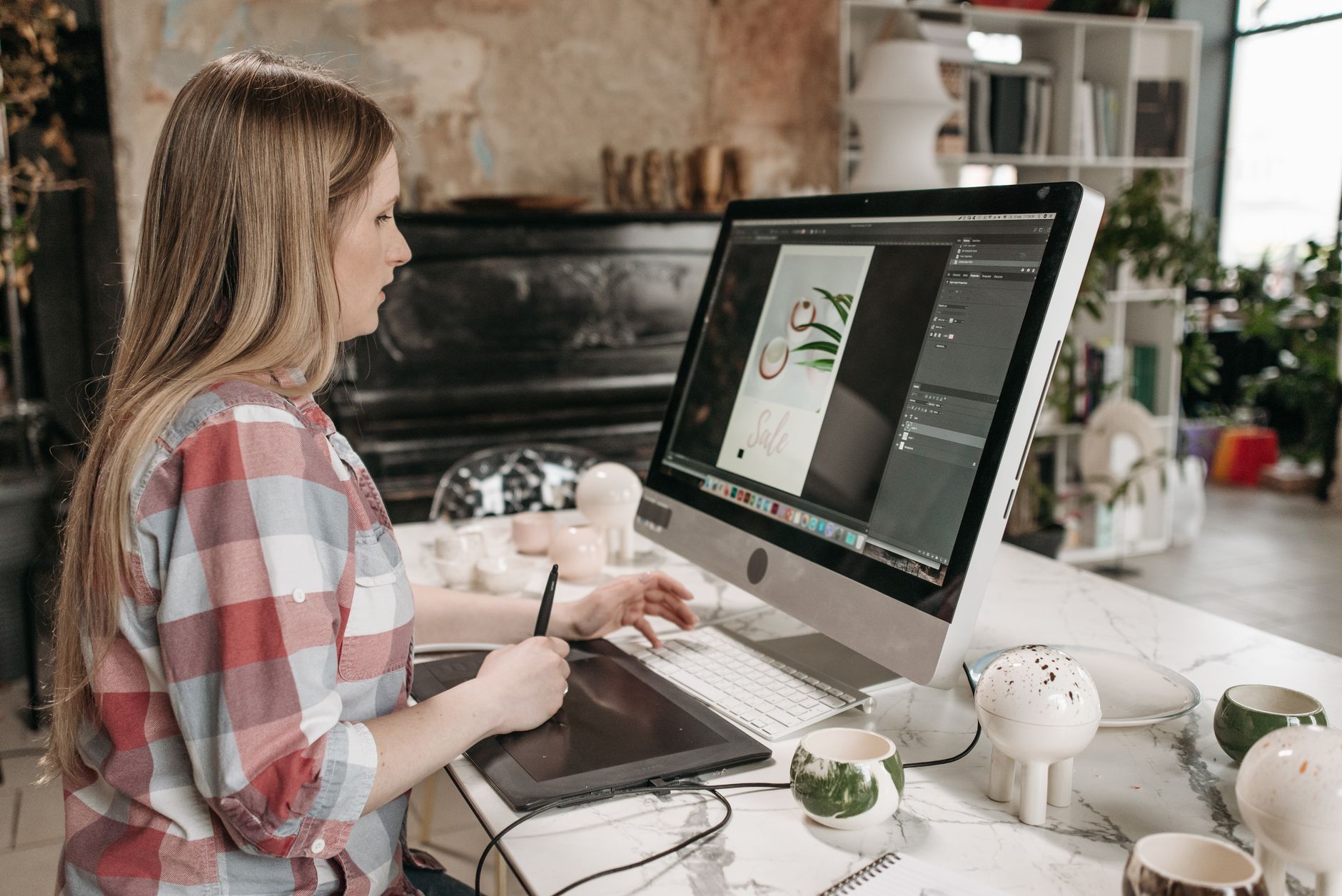
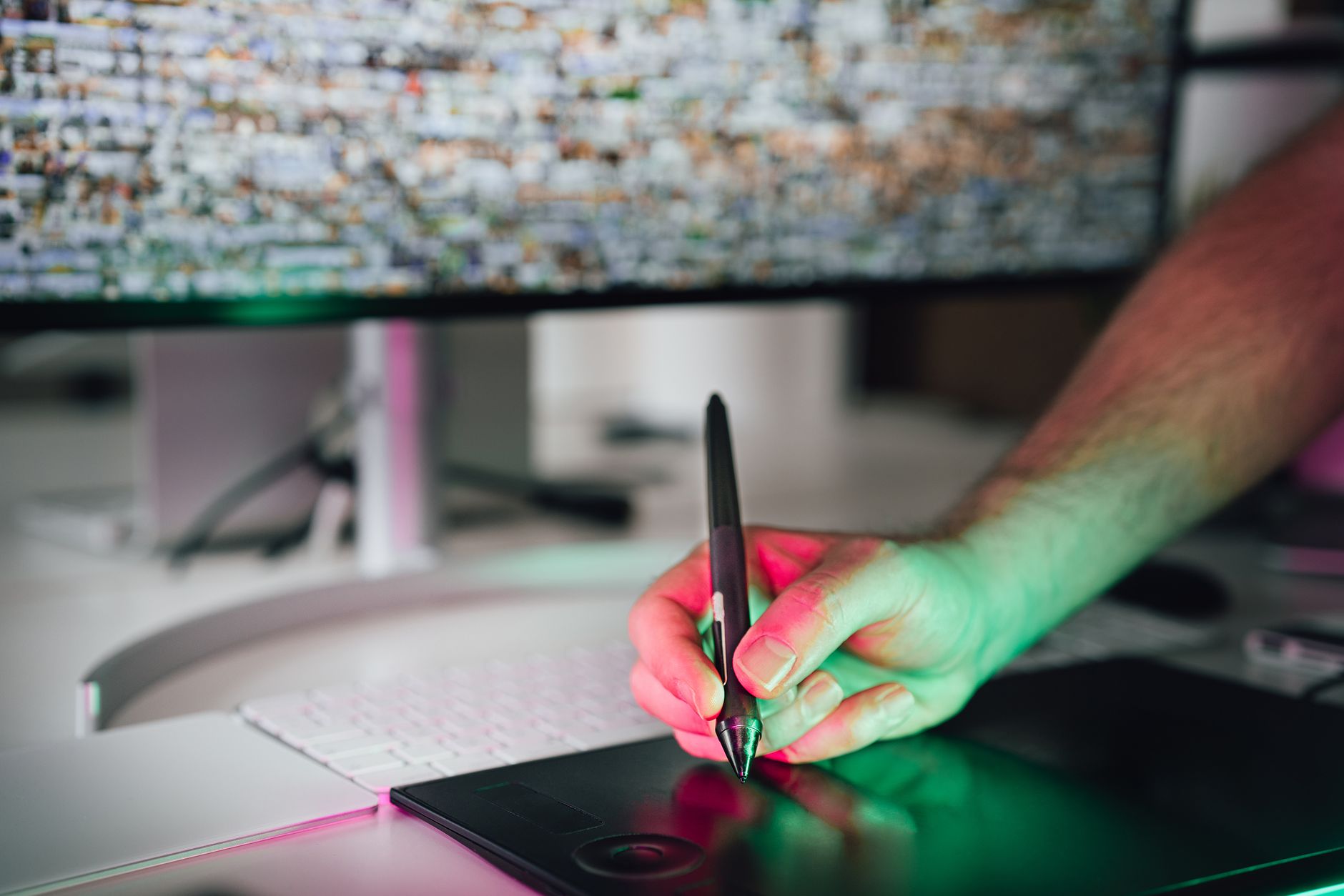
AI images often need touch-ups before client delivery. A graphics tablet beats a mouse for this by a mile. Here are the picks that survived my year of daily AI editing.
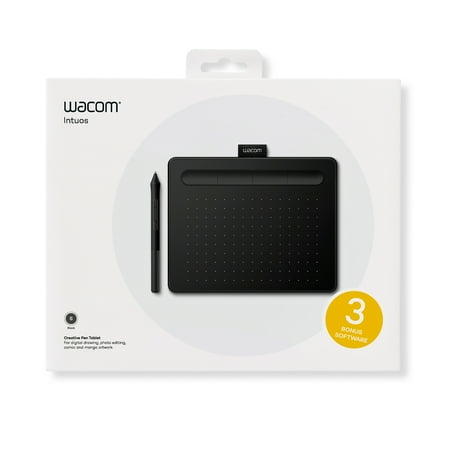
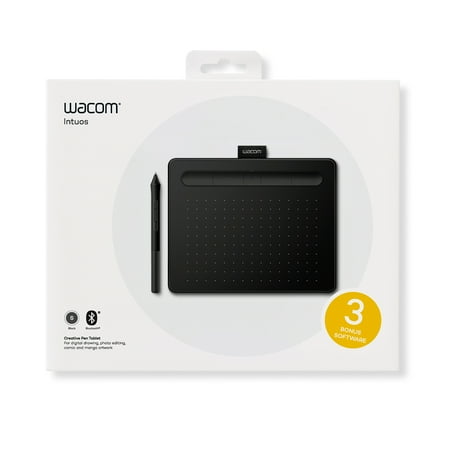
Wacom Intuos Graphics Drawing Tablet, 3 Bonus Software Included, 7.9"x 6.3", Black, Small (CTL4100)
Works in Photoshop, Krita, and even Stable Diffusion ControlNet. Pen pressure is precise.
- ✅ Excellent pen pressure sensitivity
- ✅ Compatible with all major apps
- ✅ Driver software is reliable
- ⚠️ Pricier than entry-level tablets
Wacom CTL4100WLK0 Intuos Wireless Graphic Tablet, 7.9" x 6.3", Black
Smaller drawing area, lower price. Solid backup pick for travel.
- ✅ Compact for travel
- ✅ Affordable price
- ✅ Easy to set up
- ⚠️ Smaller work area
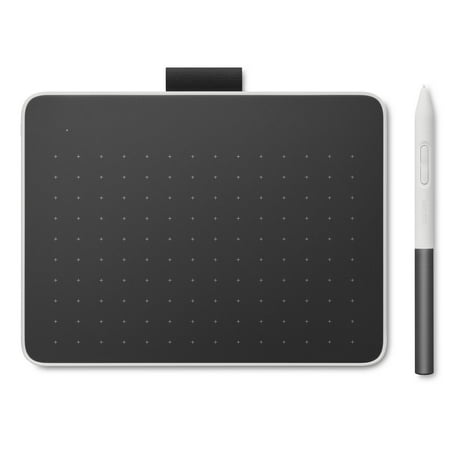
Wacom One Small Bluetooth Graphics Drawing Tablet, 7.4 x 5.6 inch; Compatible with Chromebook, Mac, Windows and Android for Digital Art, Photo Editing, Design; Includes Creative Software and Training
Entry-level pick. Good enough to learn on without committing.
- ✅ Affordable starting point
- ✅ Decent pen feel
- ✅ Plug-and-play
- ⚠️ Driver software occasionally finicky
- ⚠️ Lower resolution than premium
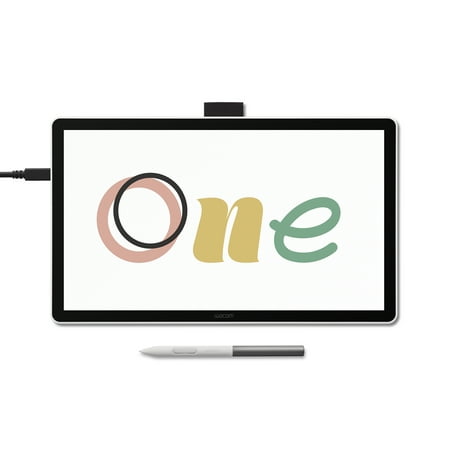
Wacom One 14
Different brand, different feel. Worth a try if the others didn't fit.
- ✅ Alternative pen feel
- ✅ Solid build
- ✅ Reasonable price
- ⚠️ Less popular ecosystem
✅ Pros
- AI image quality jumped massively in 2026 — even free options are usable
- Specialized strengths mean stacking tools is the smart approach
- Image editing AI (inpainting, replacement) finally feels production-ready
⚠️ Cons
- Copyright and licensing remain murky for commercial work
- Style consistency across multiple images is still hard
- Most AI images need touch-ups before client delivery
Frequently Asked Questions
Midjourney or DALL-E 3 — which is better in 2026?
Midjourney for art and aesthetic work. DALL-E 3 for following exact prompt details. Pick by use case, not brand.
Is Stable Diffusion worth the setup hassle?
Yes if you need control (consistent characters, specific poses, custom styles). No if you just want pretty pictures — use Midjourney instead.
Can I use AI images commercially?
Depends on the tool's license. Midjourney, DALL-E (via OpenAI), and Krea allow commercial use on paid tiers. Always read the current terms before using in client work.
Best free AI image generator?
Bing Image Creator (DALL-E 3 access) for quality. Stable Diffusion via free self-host for control.
Do AI images train on my prompts?
Most paid tools let you opt out of training. Free tools often train on inputs. Read each tool's privacy policy.
My Final Pick
I pay for Midjourney standard plan + ChatGPT Plus (for DALL-E 3 access). Total $40/month. I use Stable Diffusion 3 locally for the rare jobs that need character consistency. Krea got cancelled — fast generation didn’t beat the time saved on cleanup. Pick by your output need, not your favorite YouTuber’s hot take.





 Germany
  France
  Netherlands
  Canada
  United Kingdom
  United States
  Turkey
  Croatia
  Spain
Spain  Italy
Italy  India
India